
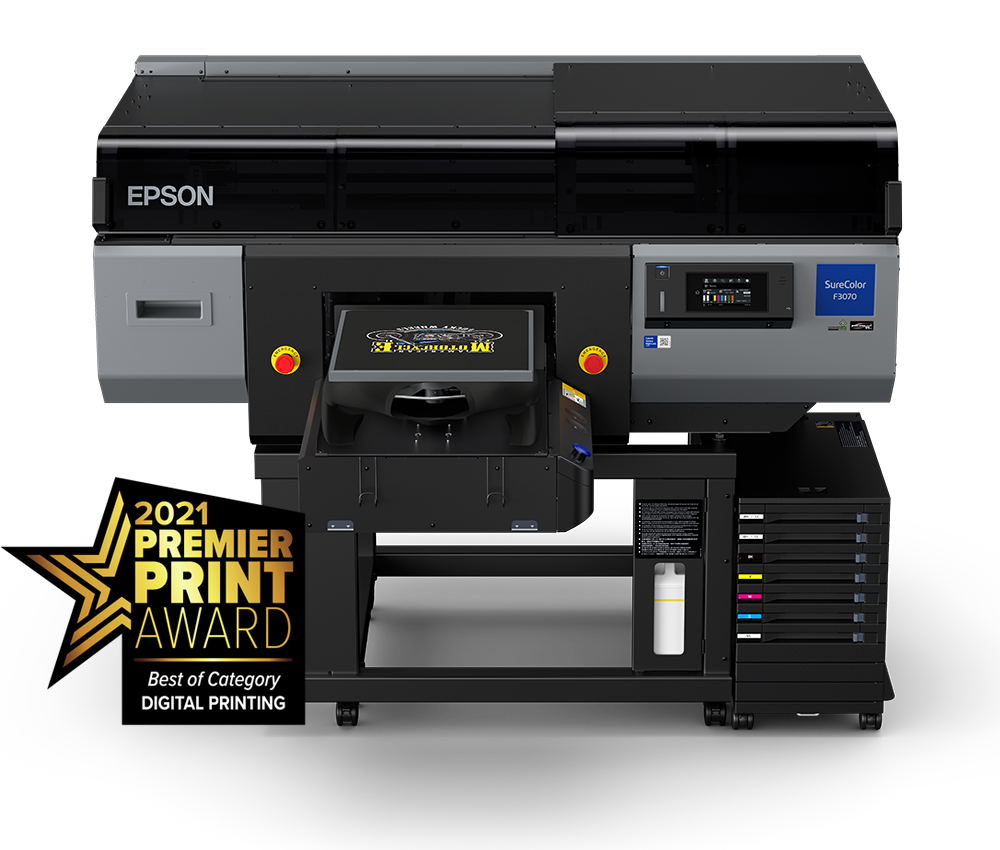
Epson SureColor F3070
Training Checklist
Redefining Direct-to-Garment Printing
This page is for our current DTG customers. Please visit our Epson F3070 Page if you haven’t purchased the Epson F3070 DTG Printer yet.
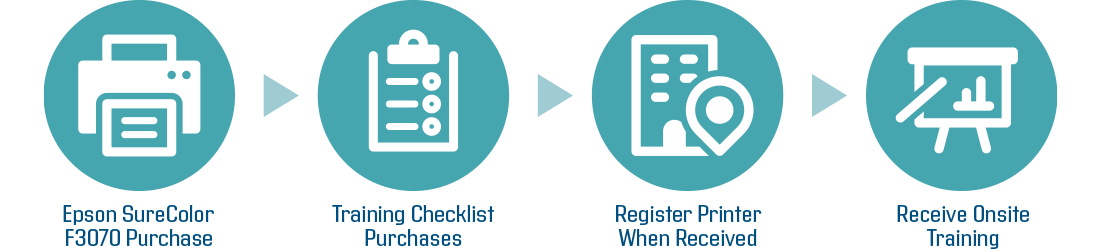
If you purchased the Epson F3070, you need to consider this training checklist:
Join our Slack Channel!
Knowledge Base
Training Plan Checklist
Things to Work on Before Training
List
1. Epson F3070 Site Survey: Confirm that your sales rep turned in this Epson F3070 site survey. If not, please complete and submit it to purchasing@aaprintsupplyco.com
2. Warranty: Check to see if you received and signed the correct warranty document. Browse warranty docs here and submit it to purchasing@aaprintsupplyco.com
3. Parts Self Service Agreement: If you purchased Self max warranty plan, please check to see if you have submitted this parts self service agreement
4. Start the registration process on Epson Port Site, please click here for the instruction (Once you have F3070 fully setup, one of our trainer will be assisting you to get this fully setup)
5. Download Rip software, Latest firmware on your computer. Scroll down for the links
6. Join Our Slack Channel: Ask your sales rep for more details / Scroll down
Optional Needs
For Use
To keep environment above 25% humidity
To make sure heatpress temperature is above 345 F
Item
Three 8 oz Cup for Cleaning Pretreatment Machine
Paint Brush
Scissors, Permanent Marker, Straightedge Ruler, Windex, and Paper Towel
Inter-dental Brush (For weekly cleaning)
Humidity Reader
Printer Cover
Must Purchase-Needs
Item
Some Dark/ White Garments: Will be using this to do bi-directional alignment
USB to Printer Port
Ethernet Port x 2
Ethernet Switch connected to your modem
Surge Protector
Phillip Screwdriver
Computer(PC/Mac): If you purchased NeoRip, you will need PC or a parallel on Mac to run Windows
Internet Connection (Please let us know if you do not have internet)
Printable Files in PNG (Transparent Background)
1 Gallon of distilled water: To clean pretreatment machines
Fully operational pretreatment machine, heatpress or dryer installed
Pretreat liquid
Must Purchase-Pretreater Tables
Pretreatment Machine
Compatible Table
No Need
No Need
36 in Long x 24 in Deep
30 in Long x 24 in Deep
General
Weight/Dimensions
68" x 72" x 53" (1,712mm x 1,809mm x 1,336mm)
How to setup Epson F3070
How to navigate the menu
How to print with in one minute with Epson F3070
Training Plan Checklist
If you purchased the Kothari Rip software and received a dongle, please check your email to locate software installation file download link. If you cannot locate this, please contact your sales rep
Free 20-day NeoRip Trial! You will receive a dongle with your supply package & a downloadable software link sent out to your email! (NeoRip is not compatible with Mac) — Click to learn more.