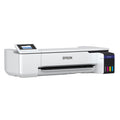
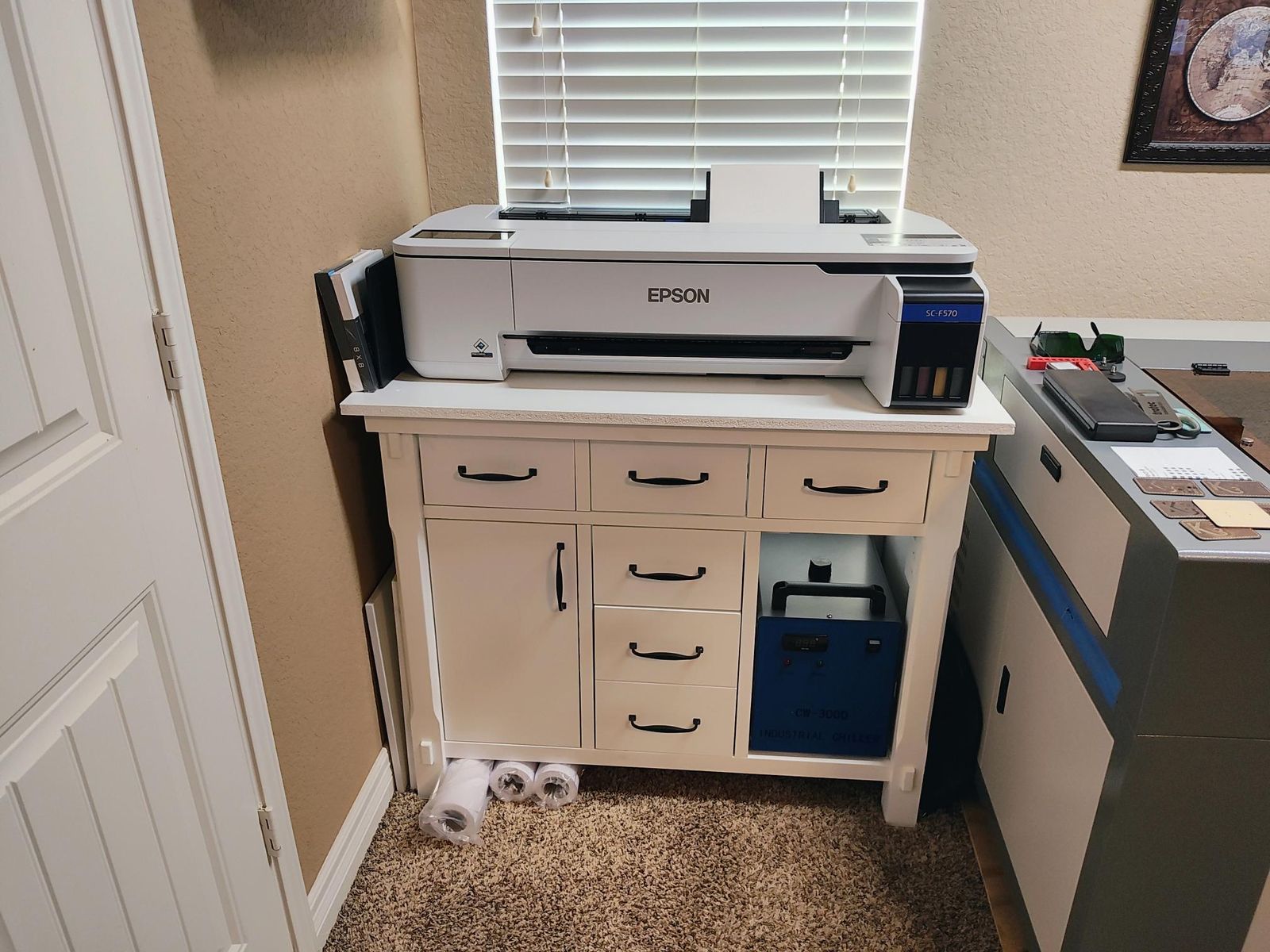
Personalize awards, mugs, mousepads and more for your customers with a 24-inch dye sublimation printer that fits on a desk. The Epson SureColor F570 Pro prints your transfers from a roll or from sheets, and its built-in cutter trims roll prints for you.
When the transfers come off your own printer, you decide the turnaround. A rush order of team awards or a one-off photo mug goes out on your schedule.
Key Features
-
Sharp transfers customers will notice: Epson's PrecisionCore Micro TFP printhead uses Precision Droplet Control for clear detail, and Nozzle Verification Technology adds commercial-grade reliability.
-
Bright, saturated color: Epson's ink delivers strong color saturation and high contrast, so designs look vivid on the finished piece.
-
Fit more designs on each run of paper: Epson Edge Print PRO, included, nests jobs together, builds pattern repeats and gives you advanced color controls, all on the Adobe PDF Print Engine.
-
Run from a roll or from sheets: load roll paper or feed sheets from the auto-feed tray, and let the built-in cutter trim roll prints automatically or when you choose.
-
Refill less often, without the mess: high-capacity ink bottles fill with an auto-stop, so you top up cleanly and less often.
-
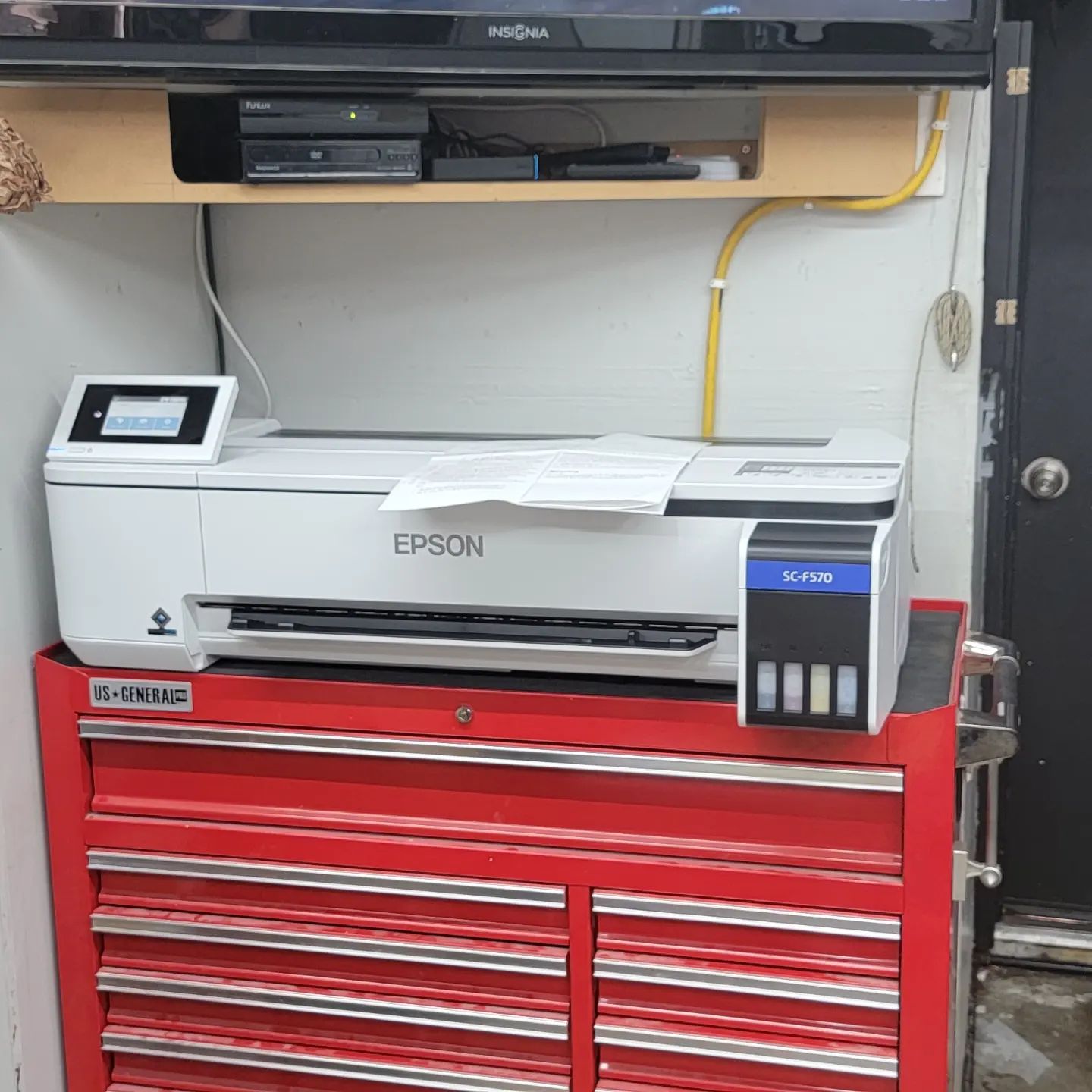
Fits on a desk: the compact, clean design sits on a desktop, or on its own with the optional stand (sold separately).
-
Easy to run every day: a 4.3-inch color touchscreen lets you manage print tasks right at the printer.
-
Connects the way your shop is set up: USB, wired Ethernet, Wi-Fi or Wi-Fi Direct.
-
Eco credentials you can share: ENERGY STAR qualified and RoHS compliant, with ink certified ECO PASSPORT by OEKO-TEX. Epson offers end-of-life recycling options, and Epson America is a SmartWay Transport Partner.
Applications
-
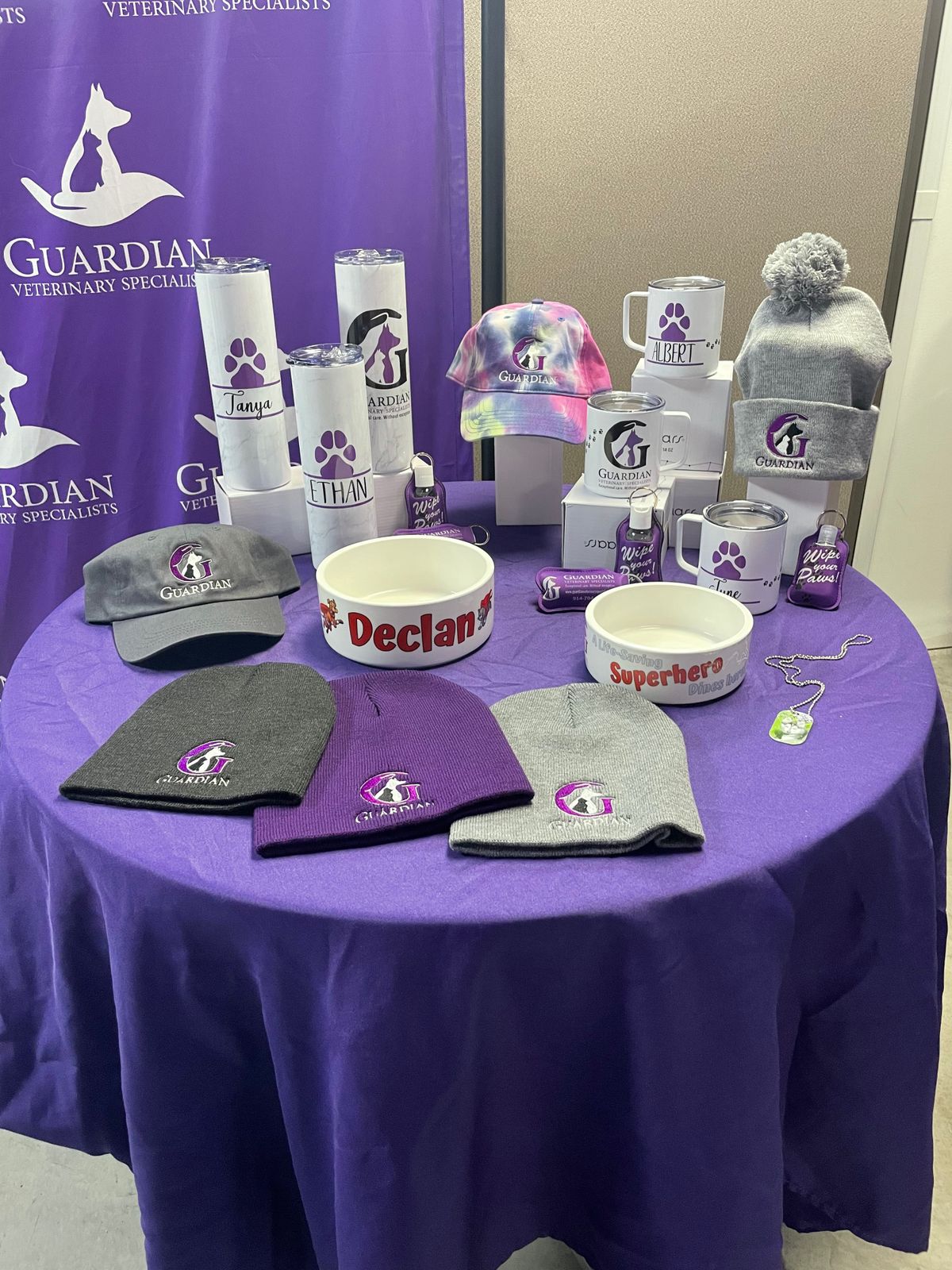
Awards: personalize each award with the recipient's name, date or logo.
-
Mugs: custom photo and logo mugs, from a single gift to a full order.
-
Mousepads: branded or photo mousepads for businesses and gifts.
-
Soft and rigid items: Epson's general-purpose transfer paper produces images on both soft and rigid materials.
Compatibility & Requirements
-
Computer
- Epson Edge Print PRO software: Windows 10 or Windows 11
- Epson print drivers: macOS 10.7 to 15, Windows 10 or Windows 11
-
Ink: Epson T49M ink bottles in black, cyan, magenta and yellow. Epson strongly recommends genuine ink for the best print quality and performance; damage caused by non-genuine ink is not covered by the printer's limited warranty.
-
Stand: the optional Epson 24" stand (C12C933151) is sold separately.
-
Heat press: the F570 Pro prints the transfers; you need a heat press to apply them to mugs, awards, mousepads and other items. A heat press is not included and is sold separately; see our heat presses.
Specifications
| Print technology |
Dye sublimation, PrecisionCore Micro TFP 4-channel drop-on-demand printhead |
| Nozzle configuration |
Color and monochrome heads, 800 nozzles x 4 channels |
| Droplet technology |
Variable Droplet Technology |
| Maximum resolution |
2400 x 1200 dpi |
| Ink |
Epson T49M ink bottles, 4-color (C, M, Y, K), 140 mL retail bottle |
| Ink certification |
ECO PASSPORT by OEKO-TEX (NEP 1902) |
| Roll media |
Single top-loading roll up to 24" wide / 2" core with user-adjustable roll adapters / roll diameter up to 4.3" |
| Media thickness |
Up to 8.6 mil |
| Sheet media |
Single sheet, top loading, up to 24" wide / auto sheet feeder 11" x 17" (Tabloid/A3), 50-sheet tray |
| Minimum media size |
Roll 8.27" wide / sheet 8.27" wide / smallest sheet Letter/A4 |
| Maximum paper width |
24.4" |
| Left and right margins |
0 mm to 3 mm each (0.24" total) |
| Maximum printable length |
Limited by the application, operating system and driver or RIP used |
| Cutter |
High-speed internal rotary cutter, auto or manual |
| Display |
4.3" color touchscreen |
| Interfaces |
SuperSpeed USB (USB 3.0) / wireless LAN 802.11 b/g/n / wired Ethernet 1000/100/10 Base-T / Wi-Fi Direct |
| Dimensions without stand (W x D x H) |
38" x 32" x 10" (970 x 811 x 245 mm) |
| Weight without stand |
64 lb (29 kg) |
| Dimensions with stand (W x D x H) |
970 x 811 x 928 mm |
| Weight with stand |
84 lb (38 kg) |
| Noise |
About 50 dB(A) operating / about 32 dB(A) sleep |
| Operating temperature |
50°F to 95°F (10°C to 35°C); 65°F to 75°F recommended |
| Operating humidity |
20% to 80%; 45% to 60% recommended; no condensation |
| Electrical |
AC 110 V to 240 V, 50 Hz to 60 Hz, 1.4 A |
| Power consumption |
Printing about 22W / ready about 8W / sleep about 1.6W / standby 0.2W |
| Safety standards |
UL (MET), FCC Class A, CSA, CE, EMC |
| Environmental |
ENERGY STAR qualified / RoHS compliant |
| Country of origin |
Indonesia |
| Epson model number |
SCF570PE |
What's Included
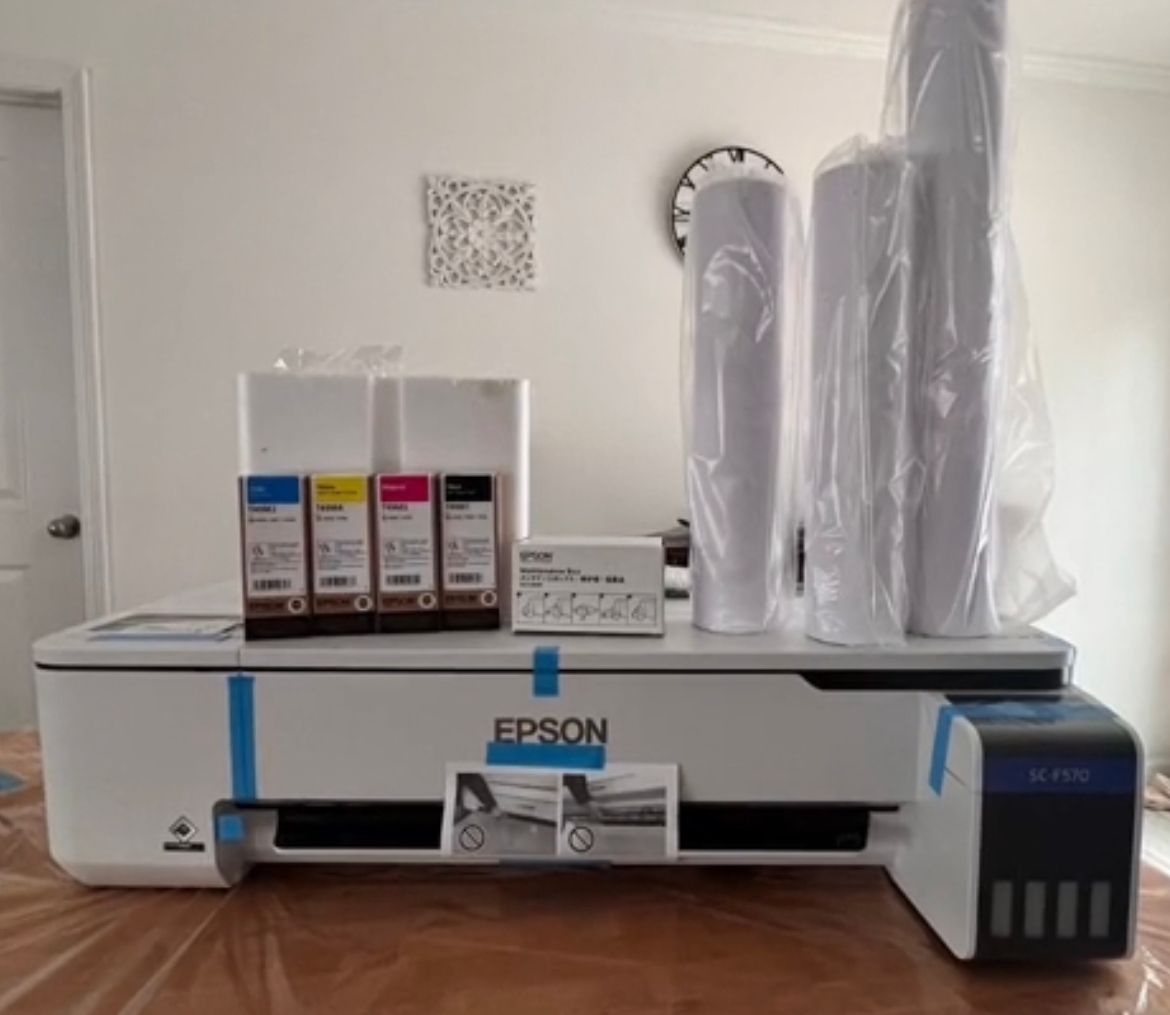
- Epson SureColor F570 Pro printer
- Epson Edge Print PRO software (Windows only)
- Two full sets of initial ink bottles (CMYK, 140 mL); part of the ink from the first bottles is used to initialize the printer
- Epson DS Transfer Multi Use Paper: one 24" x 100' roll and two 17" x 100' rolls
- Start Here poster
- User Guide
- AC power cable
Care & Maintenance
-
Ink storage: Epson ink bottles keep 2 years from the printed production date, or 6 months after opening.
-
Maintenance tank: Epson C13S210057.
-
Cutter blade: Epson replacement blade C13S210055. Epson notes that cutting a lot of canvas or heavy media may mean replacing the blade often.
-
Extra roll spindle: Epson additional 24" roll feed spindle C12C933211.
Warranty & Support
Epson covers the SureColor F570 Pro with a 1-year limited warranty in the U.S. and Canada. If the printer needs service, Epson exchanges the whole unit, usually next business day, and offers toll-free phone support Monday through Friday. Next-business-day exchange needs the order placed and processed by 1 p.m. Pacific Time, Monday through Friday, excluding holidays, and expedited shipping is not available in all areas.
Epson's PreferredPlus 1-year next-business-day whole unit exchange plan (PSF500E1) can be added only when you buy the printer, for up to 2 years of continuous coverage in total.
Resources